
Edit the Illusion
About the Scintillating Grid
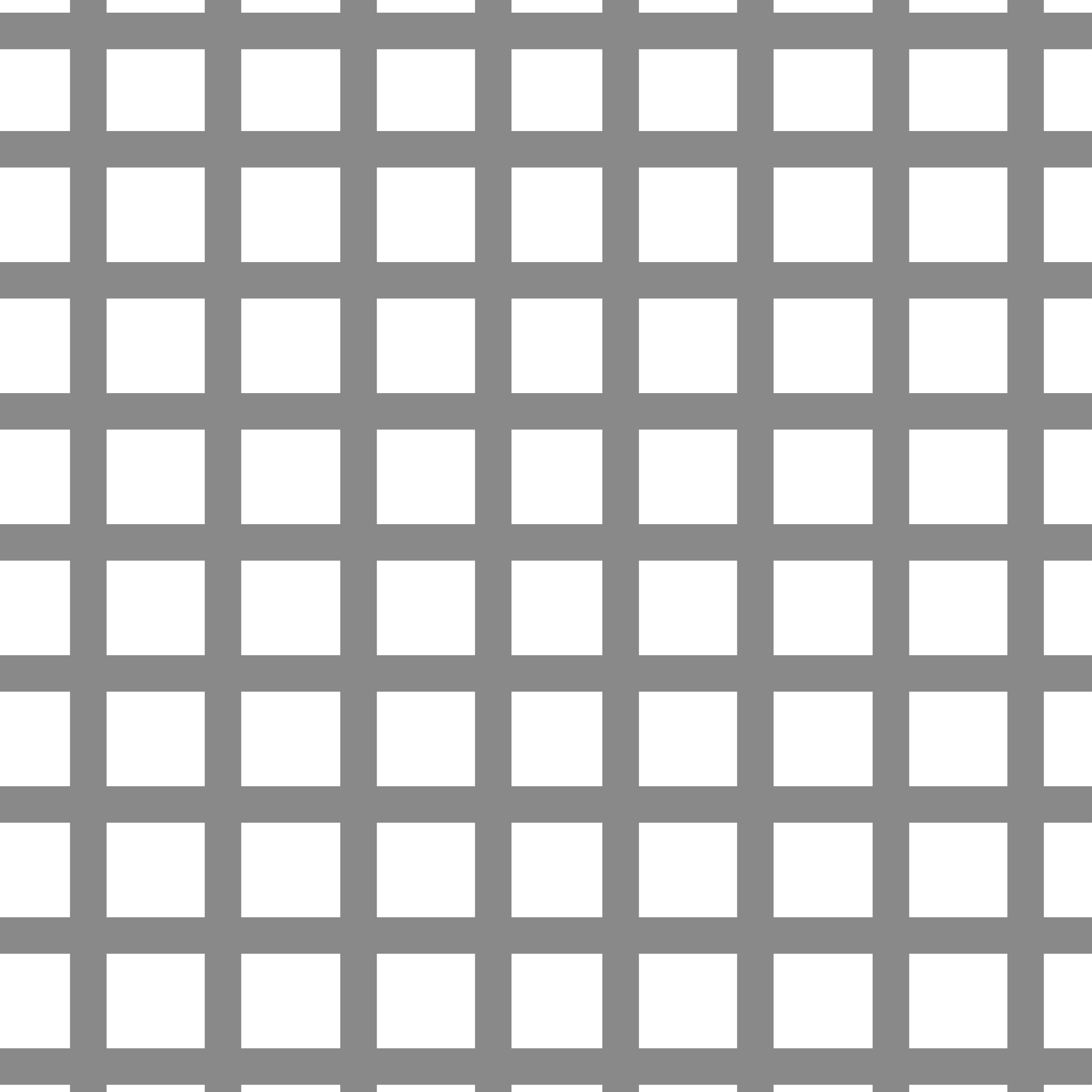
If you look around at the image you will notice the appearance and disappearance of black dots at the crossings of the grid at places where you’re not looking.
Use the toggles to turn off the circles and the grid to see what each individual element looks like.
Use the slider to change the background from black to white. The lighter the background, the less strong the illusion is. When it the background is the same gray as the grid or lighter, the illusion disappears.